WE DELIVER CUSTOM EMBEDDED SOFTWARE FOR MEETING ROOMS
AND LEARNING SPACES
Our mission is to make connectivity as easy as saying hello.
Where we excel
We establish scalable partnerships that accelerate adoption and enable long-term success for both you and your users.
01/CONNECTIVITY
We are a leader in screen sharing, embedded on circa 40% displays globally (excluding China).
02/Service, SUPPORT
and Security
Security and privacy is an investment, not just an expense. With a global server presence and unmatched customer support, we keep uptime to 99.9% for your peace of mind.
03/Synergy
We establish progressive partnerships by aligning to your long-term goals with ever-evolving solutions, driven by feedback, innovation and collaboration setting the standard for the future.
- Ready to integrate solutions
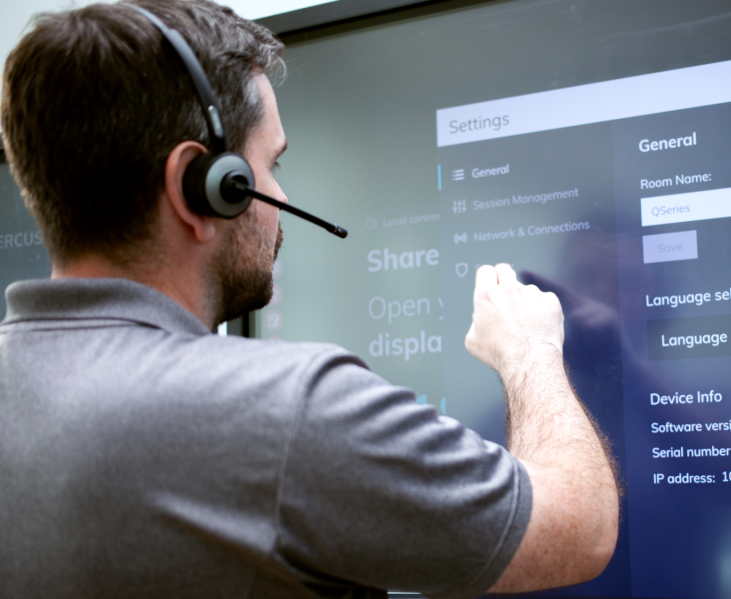
- Screen Sharing

- Wireless presentation from any device on any network, users enjoy more ways to interact, collaborate, & share ideas.
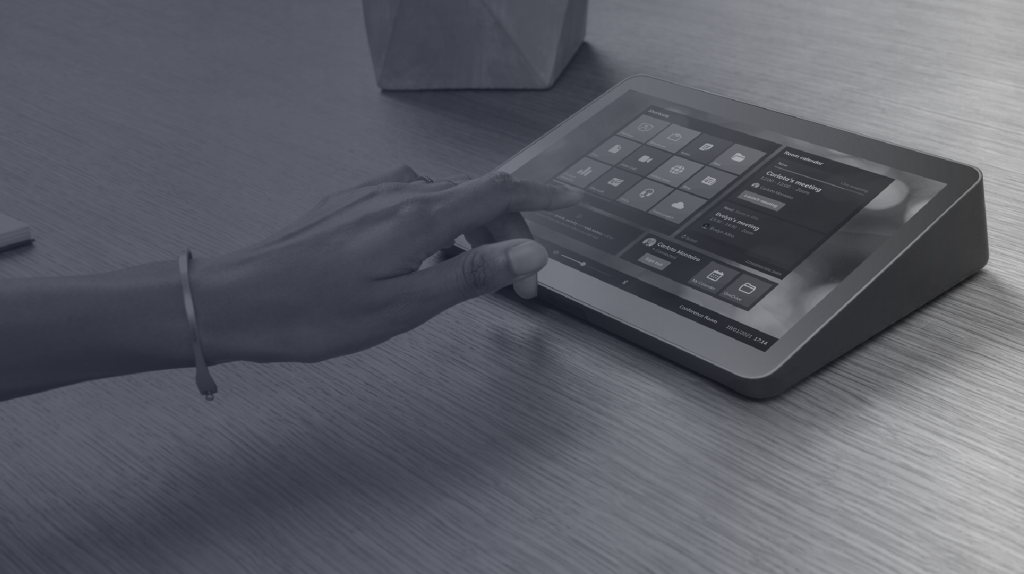
- Call + App Launching
- Quick access and launch of your video calls, apps and calendars in a simplified consistent meeting room interface.
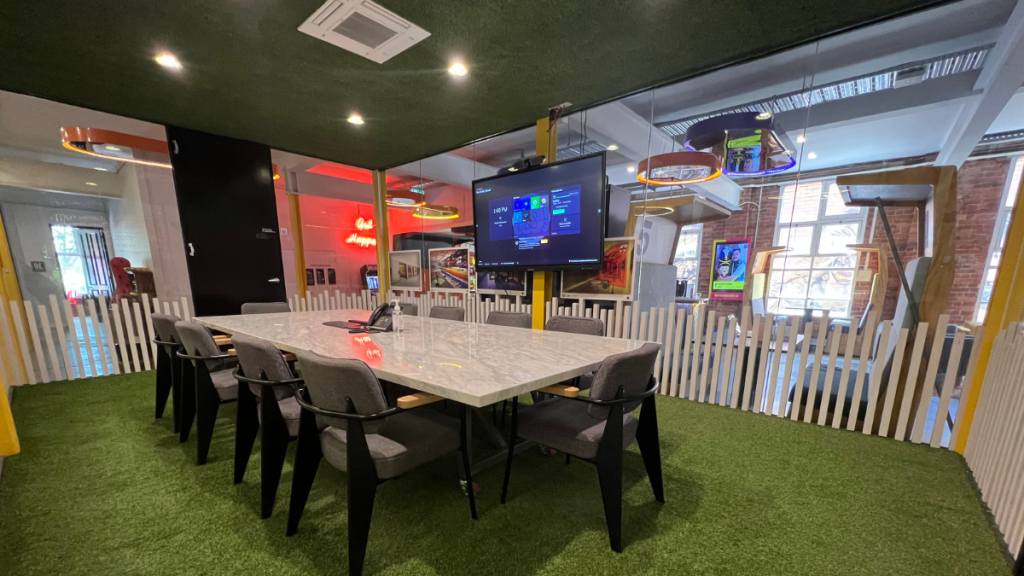
- Wireless Conferencing

- Seamless, cable-free conferencing that’s designed to transform meeting room devices.
- Broadcasting

- Share your screen to any student device, making lessons more accessible and engaging for everyone.
Our Partners
We are focused on progressing your business and market leadership, creating solutions to meet your customers needs, while giving you innovative prowess over your competitors.
1 Million +
displays with our wireless screen-sharing software in meeting rooms and classrooms globally
15 Million +
total screen shares in 2023


Let's work together
WHY WORK WITH DISPLAYNOTE?
- An authority in software solutions, serving the industry for decades with consistent excellence.
- Global server locations with 99% guaranteed uptime.
- Headquartered in Europe, with a global outreach.
- Complete solution, providing support and extensive training via our academy.







Strong values and culture that brings great people together
We’ve a talented, dedicated team from around the globe, ensuring each and every partnership is a success.



Want to stay in the loop?
Keep up-to-date with everything DisplayNote – including new releases, job openings, and customer giveaways.
Don’t worry, we’ll not spam you and we’ll never share your email with anyone